Fix the kit recipe
List each component reference and quantity for every kit variant. Include permitted substitutions and revision changes, and identify similar parts that must never be mixed.
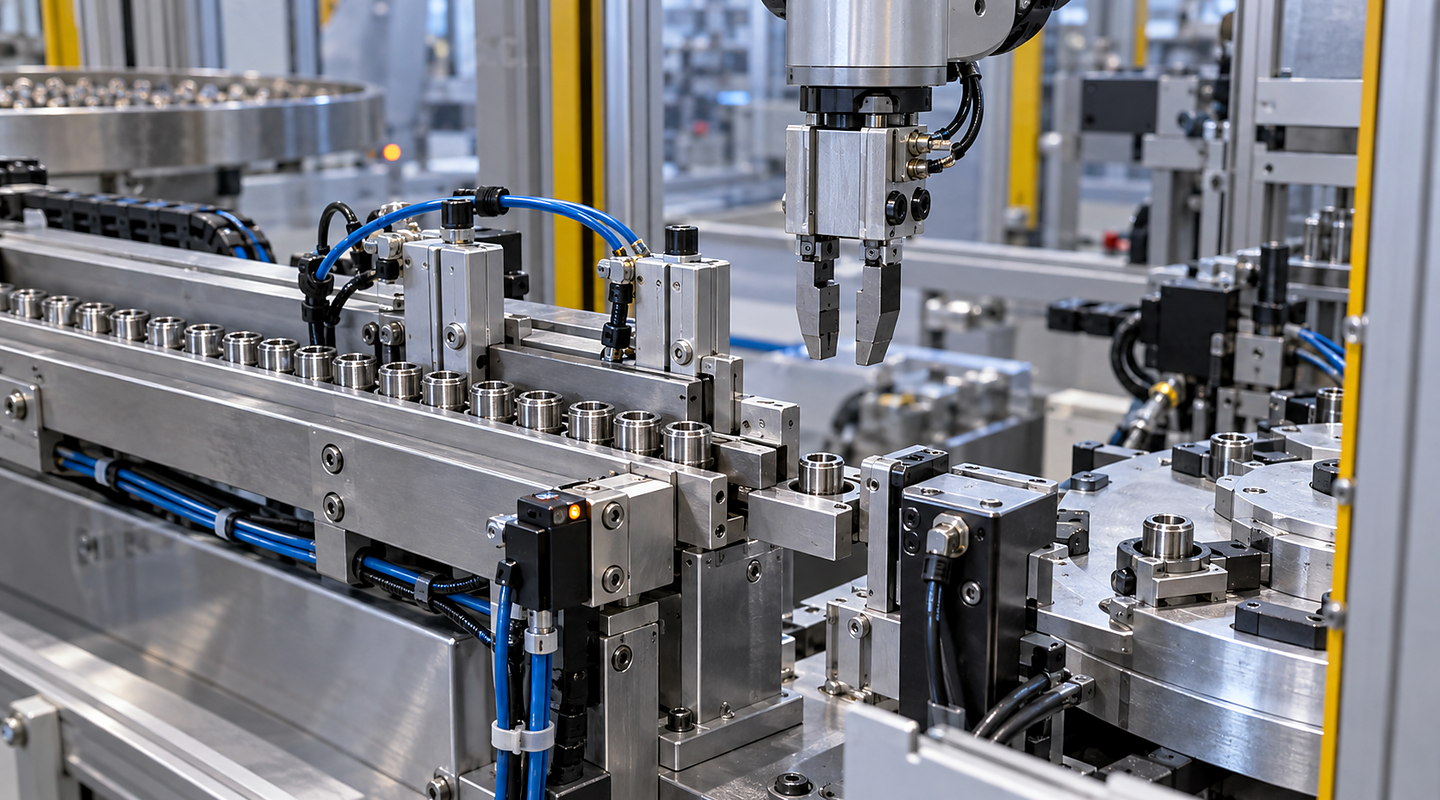
What parts and quantities make a complete kit for your next operation? Define component variation, bulk condition and required presentation, then review delivery and the response to missing or uncertain components using representative kit examples.
Speak directly with Sorting Solutions about automated component kit preparation.
Photographs illustrate component feeding and transfer. Component identity, quantities and complete-kit release must be proved with representative parts and the intended receiving pack.
Define the bill of materials for each kit, including similar-looking variants and permitted substitutions. Map how each component is supplied and confirmed before the kit is released. Test missing parts, an incorrect variant and an interrupted cycle, with a controlled route for incomplete or uncertain kits.
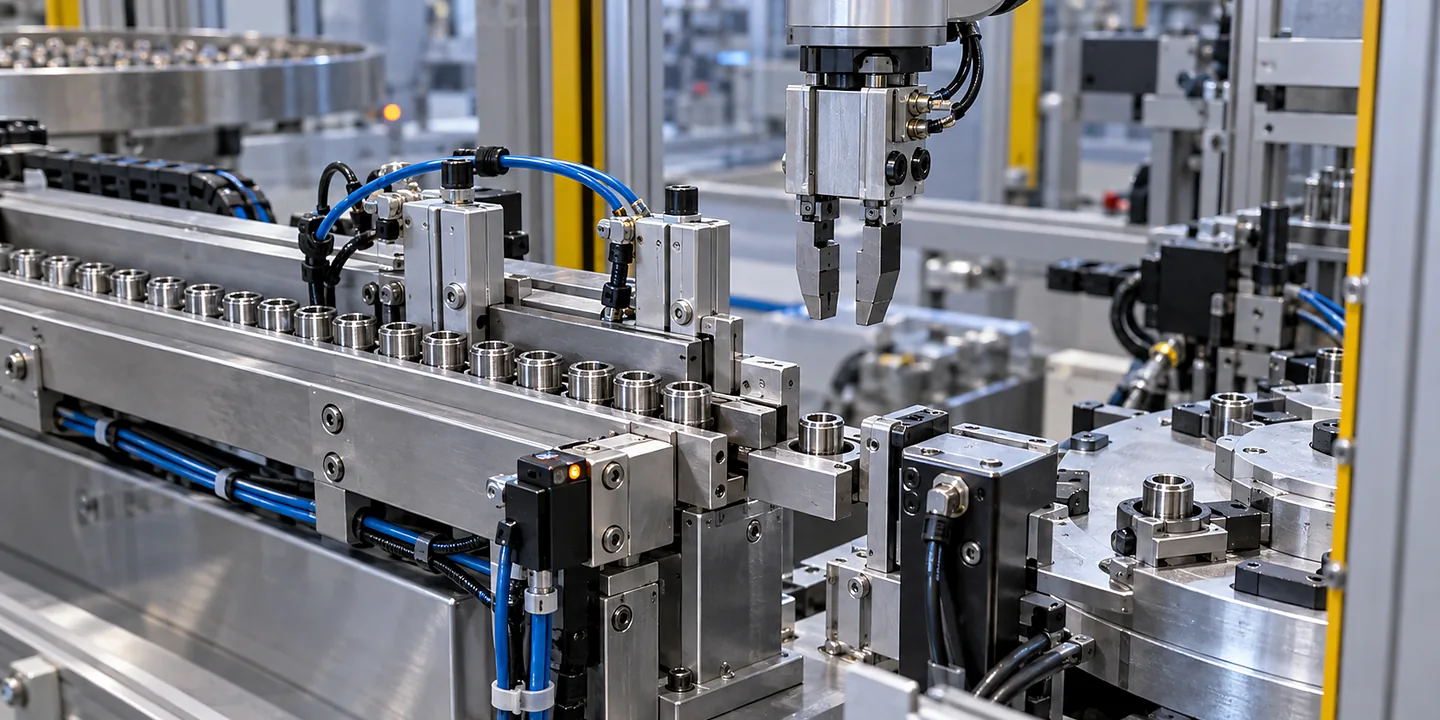
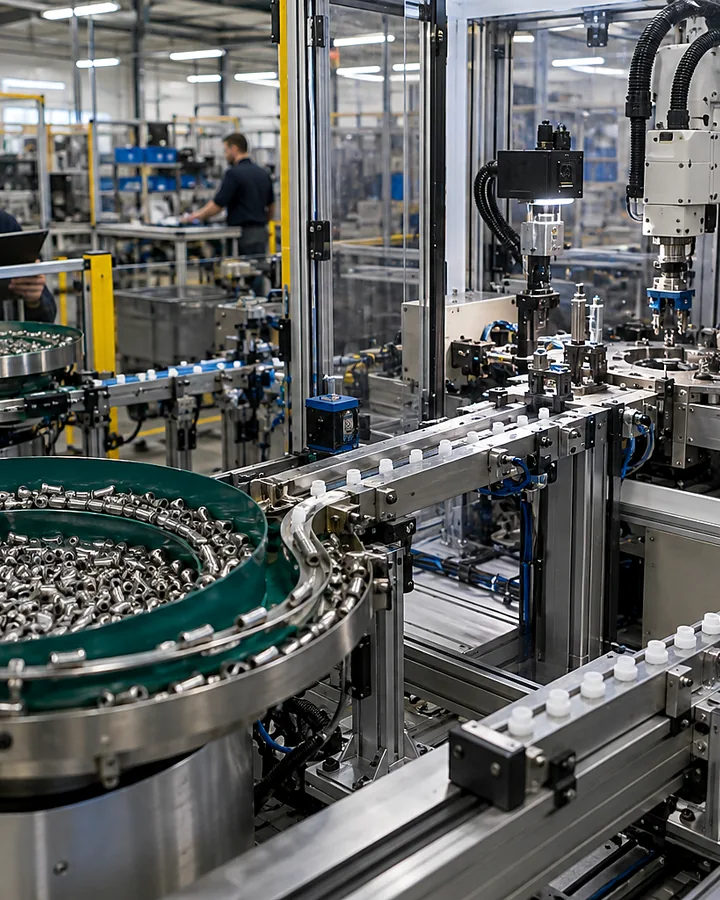

A fast feed rate only helps if the correct parts and quantities arrive together in the form the next operation needs.
List each component reference and quantity for every kit variant. Include permitted substitutions and revision changes, and identify similar parts that must never be mixed.
Record whether parts arrive loose, nested, linked, in trays or already counted. The feeding method can differ between components; one difficult item may determine the complete-kit rate.
Separate identity, quantity and orientation checks. Counting a passing object does not by itself establish the component variant or confirm that it reached the intended kit location.
Provide tray pockets, bag openings, compartments or fixture drawings. Check that parts settle where intended without damage, overlap or a hidden missing position.
Decide what happens when a feeder runs empty, a part cannot be identified or a count is uncertain. Hold the affected kit for controlled recovery instead of advancing it as complete.
State the required kits per period and product mix. Include replenishment, recipe changes, checking and rejected kits when comparing output, rather than adding the peak rates of individual feeders.
The right choice changes with component geometry and variation for automated component kit preparation, surface, fragility and entanglement behaviour, your line layout and required results.
Agree how the system records which components are already present. Restart should reconcile that state before adding more parts, so a resumed cycle does not silently double-fill a position.
Run a controlled line clearance and recipe change using the most easily confused variants. Confirm how remaining parts, feeder labels and unfinished kits are handled.
Present completed kits to the receiving operator or machine and confirm accessibility, count and orientation. Record incomplete and uncertain kits separately from accepted kit output.
Use the component kitting machines specification checklist to prepare the application, then agree the acceptance checks and production records before comparing proposals.
Your final solution for automated component kit preparation must reflect the law, current standards and site-specific risks that apply to your installation.
A kit is defined by its bill of materials, quantities and permitted variants. Select the confirmation method by the error it must detect, including a missing item, an extra item and a wrong item that looks similar.